Artificial intelligence has evolved from a futuristic concept to an essential part of our daily lives. In 2025, AI tools have become more accessible, intuitive, and practical than ever before. Whether you’re looking to boost productivity, unleash creativity, or simply make everyday tasks easier, there’s an AI tool designed to help. This guide explores the most innovative and user-friendly AI applications that are transforming how we work, create, and live.
From intelligent assistants that understand your needs to creative tools that bring your ideas to life, these AI solutions work seamlessly in the background, learning your preferences and adapting to your unique requirements. Let’s explore how these powerful technologies can enhance your daily routine and help you accomplish more with less effort.
AI Assistants: Your Digital Companions
AI assistants have become the command centers of our digital lives, helping us manage information, answer questions, and complete tasks through natural conversation. These tools have evolved to understand context, remember previous interactions, and even anticipate your needs.
ChatGPT
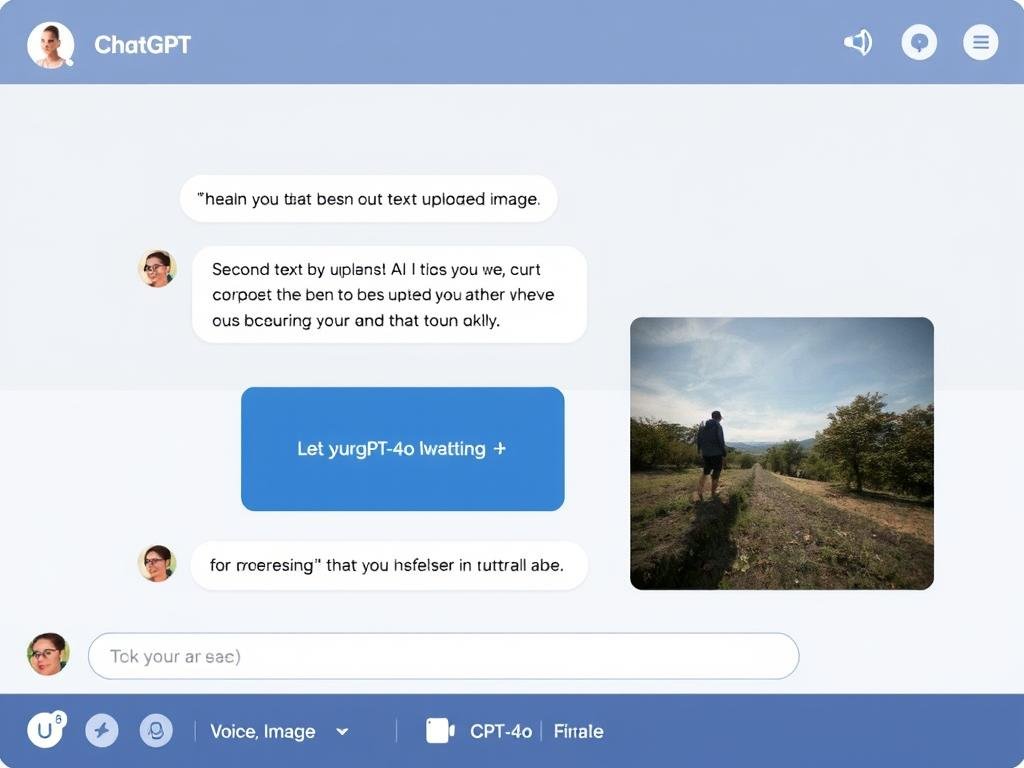
ChatGPT has revolutionized how we interact with AI. Powered by GPT-4o, it handles text, images, audio, and even video inputs, making it incredibly versatile for everyday use. Whether you need help writing emails, researching topics, brainstorming ideas, or analyzing documents, ChatGPT delivers thoughtful responses in seconds.
The free plan gives you access to GPT-4o with basic limits, while ChatGPT Plus ($20/month) offers higher usage caps, faster response times, and access to the latest features like advanced image generation and longer memory.
Advantages
- Handles multiple input types (text, image, audio)
- Excellent for writing, research, and creative tasks
- Remembers conversation context
- Generous free tier available
Limitations
- May occasionally provide inaccurate information
- Advanced features require subscription
- Limited integration with other apps
Ready to transform how you work?
Start with the free plan to experience AI assistance, then upgrade for more advanced features.
Google Gemini
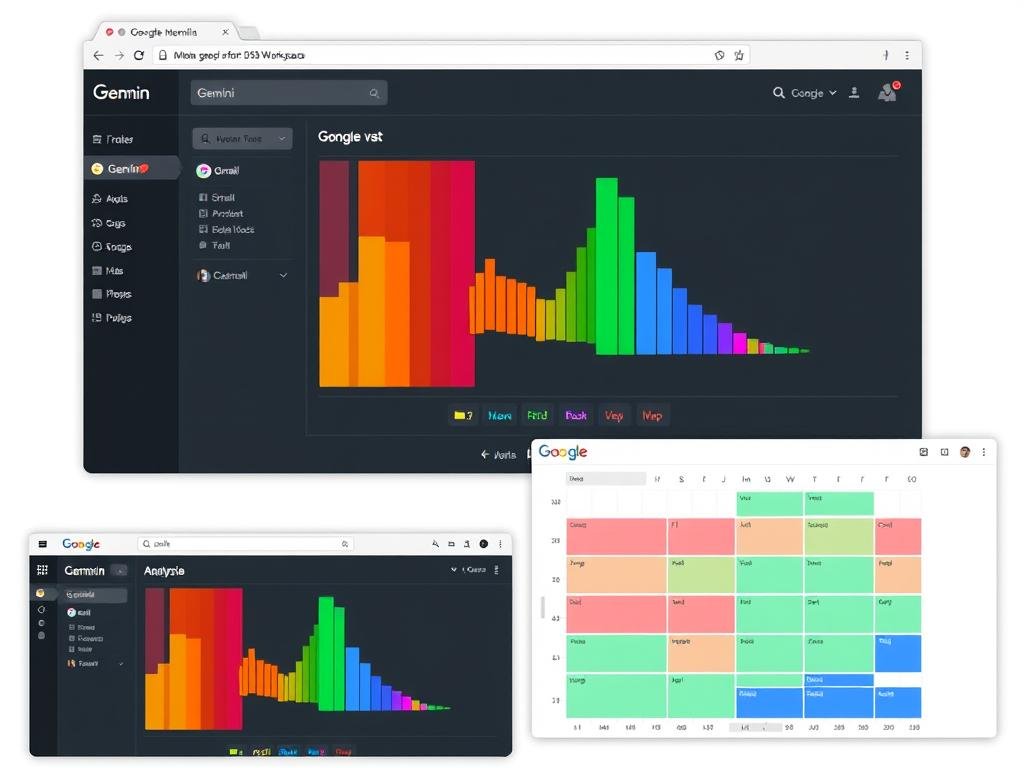
Gemini excels at working within Google’s ecosystem, making it perfect for those who already use Gmail, Docs, and other Google services. It can analyze your emails, summarize documents, help plan your schedule, and even assist with creative projects.
What sets Gemini apart is its massive context window (over 1 million tokens), allowing it to process entire documents or conversations at once. It also verifies information through Google Search, reducing the risk of inaccurate responses.
Advantages
- Seamless integration with Google Workspace
- Massive context window for handling large documents
- Fact-checking through Google Search
- Free plan available with basic features
Limitations
- Less creative than some competitors
- Requires Google account
- Advanced features need Gemini Advanced subscription
Enhance your Google experience
Try Gemini’s free plan to see how AI can streamline your workflow within Google’s ecosystem.
AI Content Creation Tools

Content creation has been revolutionized by AI, enabling anyone to produce professional-quality text, images, videos, and more without specialized skills. These tools help overcome creative blocks, speed up production, and explore new possibilities.
Synthesia: AI Video Creation
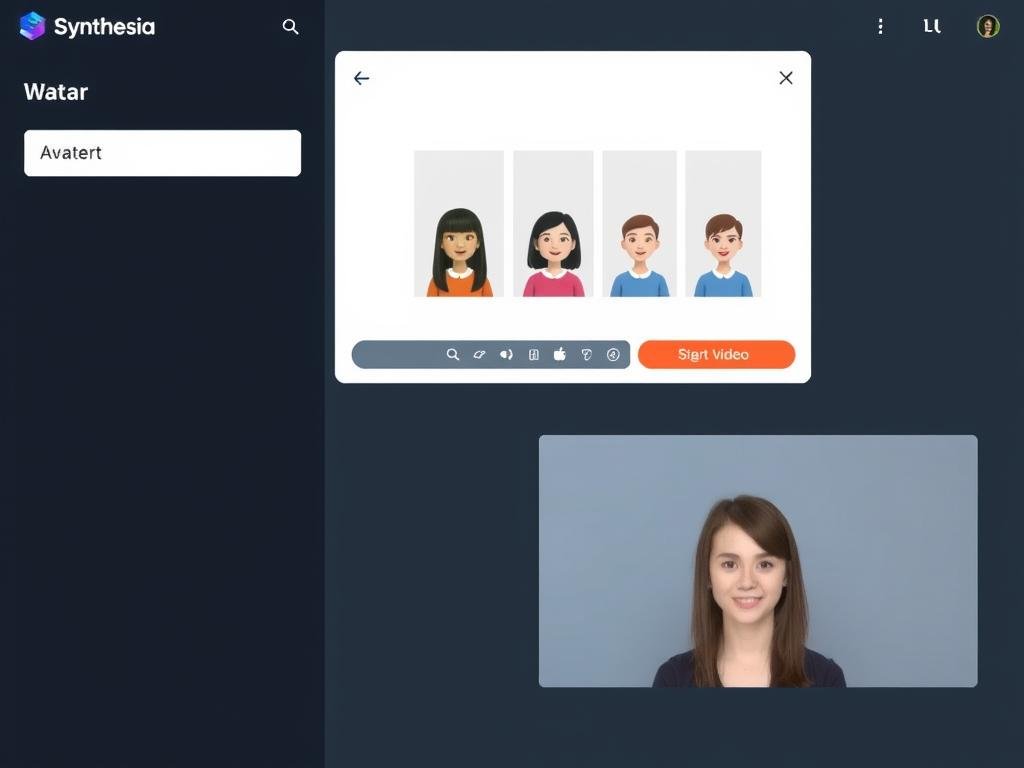
Synthesia has transformed video production by allowing anyone to create professional videos with AI avatars. Simply type your script, select from over 240 realistic avatars, choose a background, and generate your video in minutes—no cameras, microphones, or studios required.
This tool is perfect for creating training videos, product demonstrations, marketing content, and personalized messages in over 140 languages. Businesses use it to scale video production without the traditional costs and complexities.
Advantages
- Create professional videos without equipment
- 240+ avatars and 140+ languages
- Simple text-to-video interface
- Free plan available with limited usage
Limitations
- Limited to talking head videos
- Advanced customization requires paid plan
- Not ideal for narrative storytelling
Create professional videos in minutes
Try Synthesia’s free plan to generate up to 36 minutes of AI video per year.
DALL·E 3: AI Image Generation
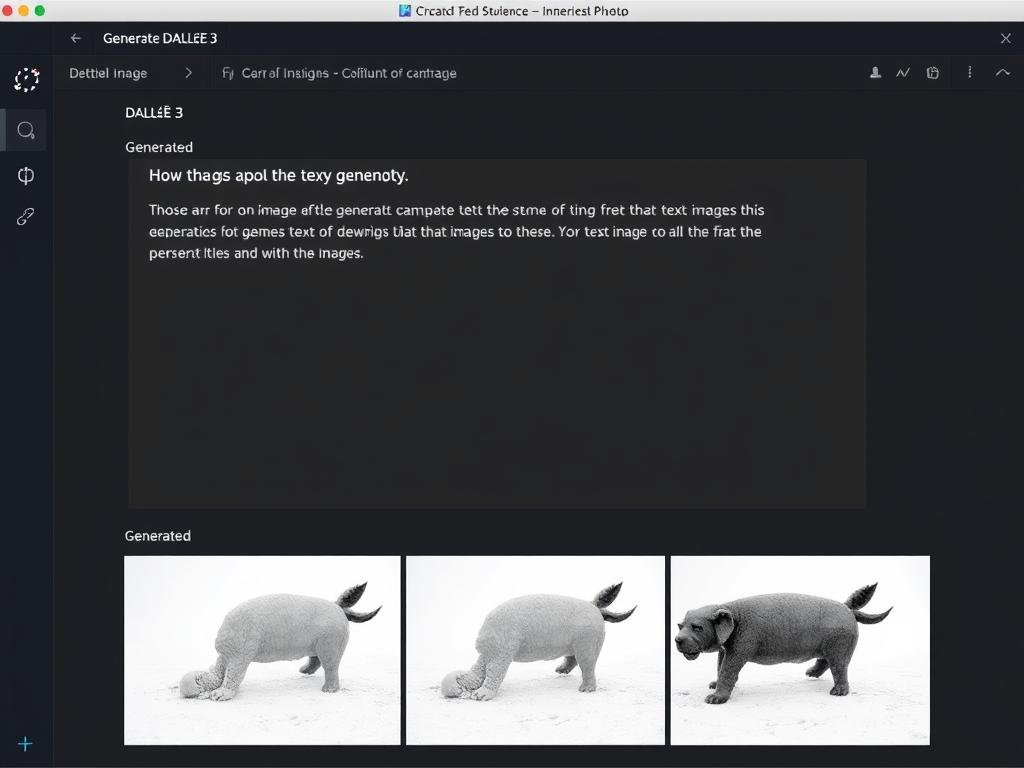
DALL·E 3 creates stunning images from text descriptions, allowing anyone to bring their visual ideas to life without design skills. Whether you need illustrations for a blog post, custom graphics for social media, or creative concepts for a project, DALL·E 3 can generate them in seconds.
The latest version excels at understanding complex prompts and producing images with remarkable detail and accuracy. It’s available through ChatGPT Plus or as a standalone API for developers.
Advantages
- Creates high-quality images from text descriptions
- Understands complex and detailed prompts
- Available through ChatGPT interface
- Multiple style options
Limitations
- Limited free generation through ChatGPT
- Cannot generate certain types of content
- Full access requires subscription
Bring your visual ideas to life
Access DALL·E 3 through ChatGPT to start creating custom images from text prompts.
Suno: AI Music Creation
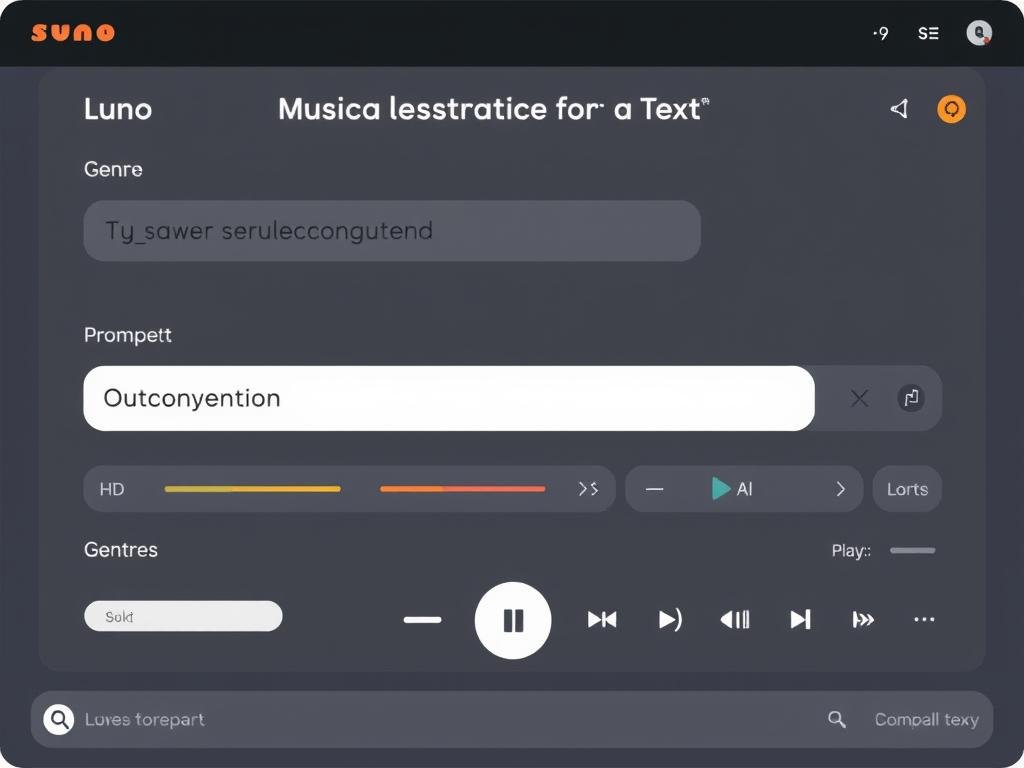
Suno has revolutionized music creation by allowing anyone to compose original songs simply by describing them. Whether you want an upbeat pop track, a melancholic piano piece, or an energetic electronic dance tune, Suno can generate it complete with vocals, instruments, and structure.
The tool is perfect for creating background music for videos, podcasts, and presentations, or just for fun creative expression. You can edit lyrics, rearrange sections, and even export stems for further customization in other music software.
Advantages
- Creates complete songs from text descriptions
- Includes vocals and multiple instruments
- Editable lyrics and song structure
- Free plan with daily credits
Limitations
- Commercial rights require paid plan
- Limited control over specific musical elements
- Quality varies based on prompt clarity
Compose music without instruments
Try Suno’s free plan to create up to 10 songs per day for personal use.
AI Productivity Tools
AI productivity tools help streamline workflows, automate repetitive tasks, and manage information more efficiently. These tools learn from your behavior to provide personalized assistance that saves time and reduces cognitive load.
Notion AI: Smart Workspace
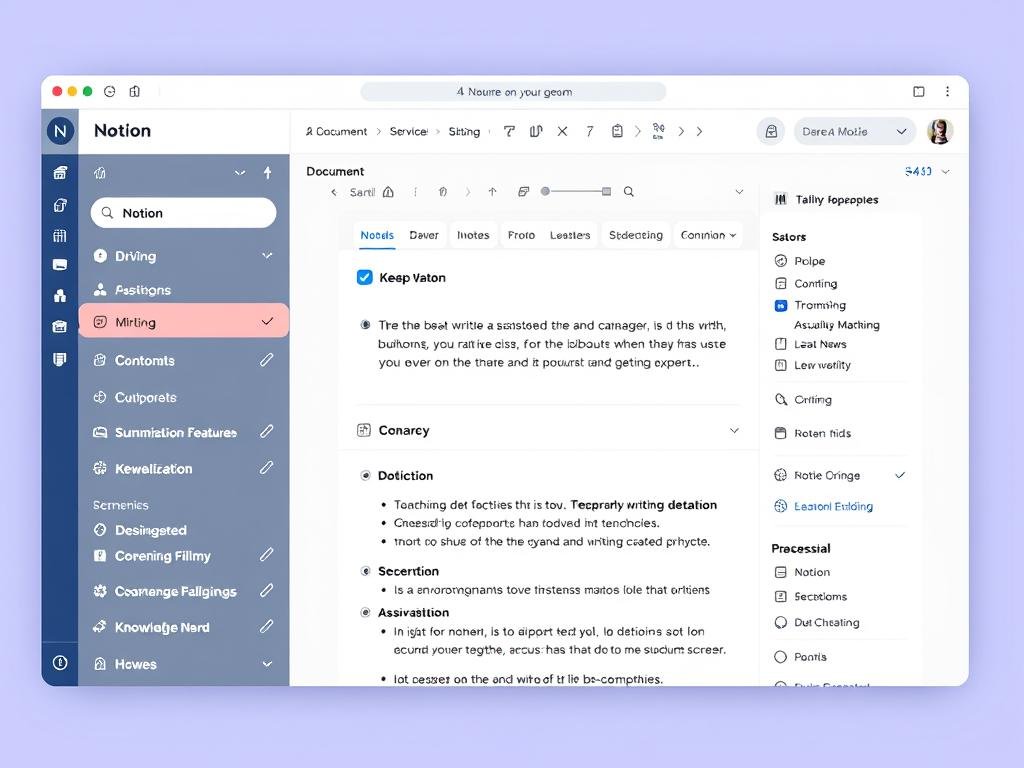
Notion AI transforms your digital workspace by adding intelligent capabilities to notes, documents, and databases. It can summarize long documents, generate content based on prompts, extract action items from meeting notes, and answer questions about your workspace.
The AI is context-aware, understanding the relationships between different pages and databases in your workspace. This makes it incredibly powerful for knowledge management, project planning, and collaborative work.
Advantages
- Integrates AI directly into your workspace
- Summarizes and generates content
- Answers questions about your documents
- Works across notes, databases, and wikis
Limitations
- Requires Notion subscription for full features
- Learning curve for Notion platform
- Limited to content within Notion
Supercharge your workspace
Try Notion’s free plan with basic AI features, then upgrade for full AI capabilities.
Reclaim: AI Calendar Management
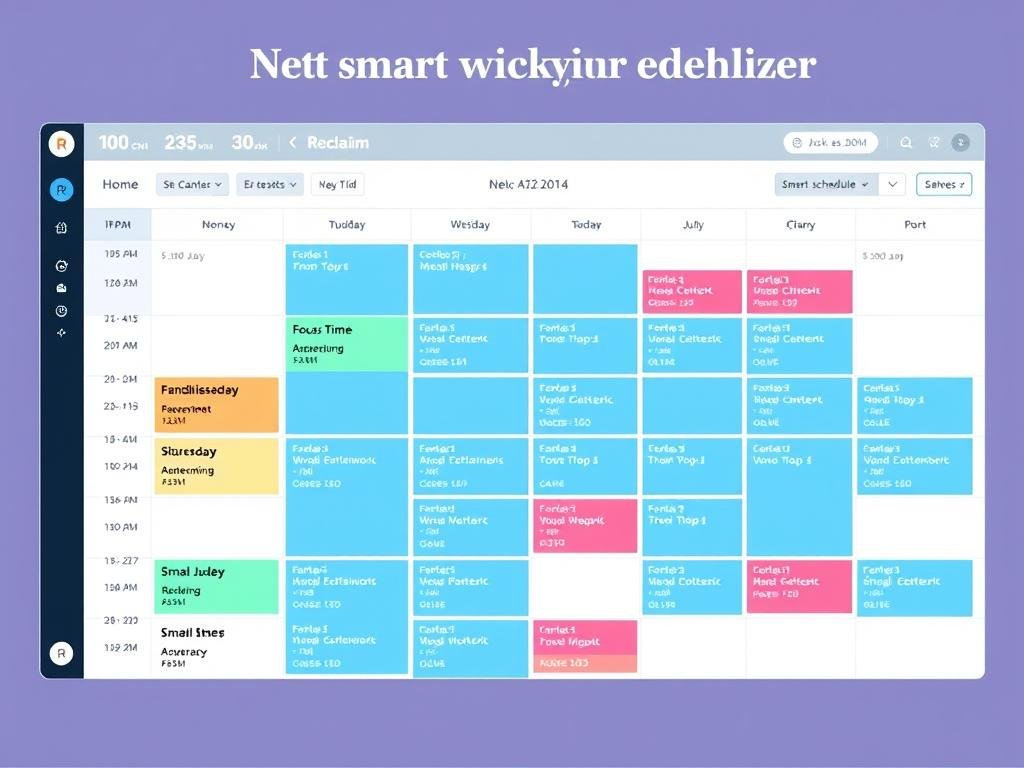
Reclaim brings AI to your calendar, automatically scheduling tasks, protecting focus time, and optimizing your day. It analyzes your work patterns, priorities, and preferences to create an ideal schedule that balances productivity and wellbeing.
The tool excels at defending time for important work, finding the best slots for meetings, and adapting to changes throughout the day. It integrates with Google Calendar and popular task management apps.
Advantages
- Automatically schedules tasks based on priority
- Protects focus time from interruptions
- Adapts to schedule changes
- Free plan available with core features
Limitations
- Requires Google Calendar
- Advanced features need paid subscription
- May feel too automated for some users
Take control of your time
Try Reclaim’s free plan to experience AI-powered calendar management.
Zapier: AI Workflow Automation
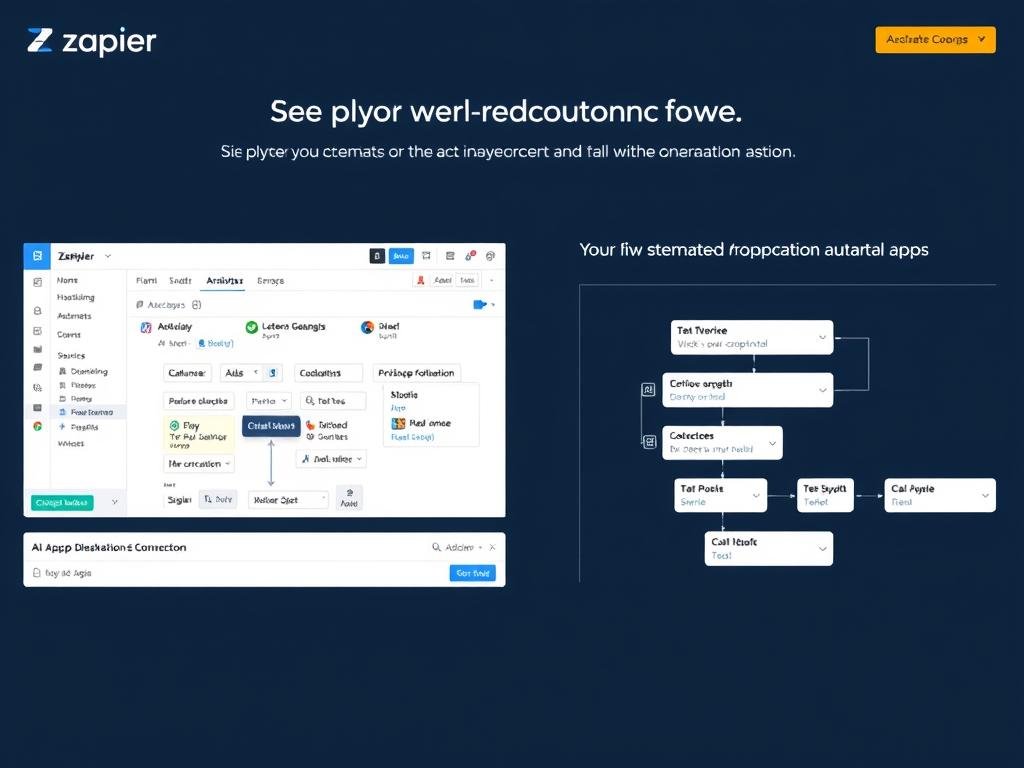
Zapier connects your apps and automates workflows with the help of AI. Its Copilot feature lets you describe automations in plain language, then builds them for you. You can connect over 5,000 apps without coding, from email and social media to project management and e-commerce.
The platform also includes AI tools for generating content, extracting data, and analyzing information within your workflows. This makes it powerful for both simple tasks and complex business processes.
Advantages
- Connects 5,000+ apps and services
- No coding required for automation
- AI-powered workflow suggestions
- Free plan available for basic automation
Limitations
- Complex workflows require paid plans
- Learning curve for advanced features
- Limited runs on free plan
Automate your work
Try Zapier’s free plan to connect your apps and build your first automations.
AI Communication Tools

AI is transforming how we communicate, making it easier to write effectively, manage conversations, and capture information from meetings. These tools help overcome communication barriers and ensure your message is clear and impactful.
Fireflies: AI Meeting Assistant
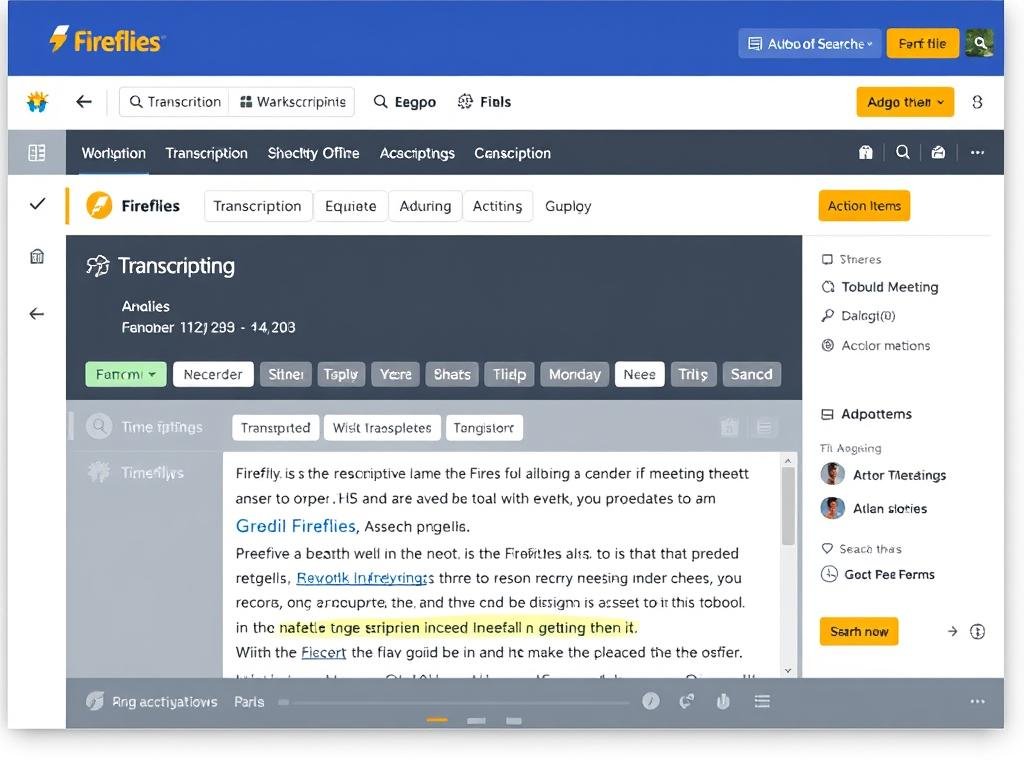
Fireflies automatically joins your online meetings, records the conversation, and transforms it into searchable transcripts with summaries and action items. It works across Zoom, Google Meet, Microsoft Teams, and other platforms without requiring manual setup.
After each meeting, Fireflies delivers an organized summary with key points, questions, and next steps, allowing you to focus on the conversation instead of taking notes. You can search across all your meeting transcripts to find specific information.
Advantages
- Automatic meeting recording and transcription
- Identifies topics, questions, and action items
- Searchable archive of all meetings
- Free plan with limited transcription
Limitations
- AI summaries need review for accuracy
- Advanced features require subscription
- Limited mobile experience
Never miss meeting details again
Try Fireflies’ free plan to experience AI meeting assistance.
Grammarly: AI Writing Assistant
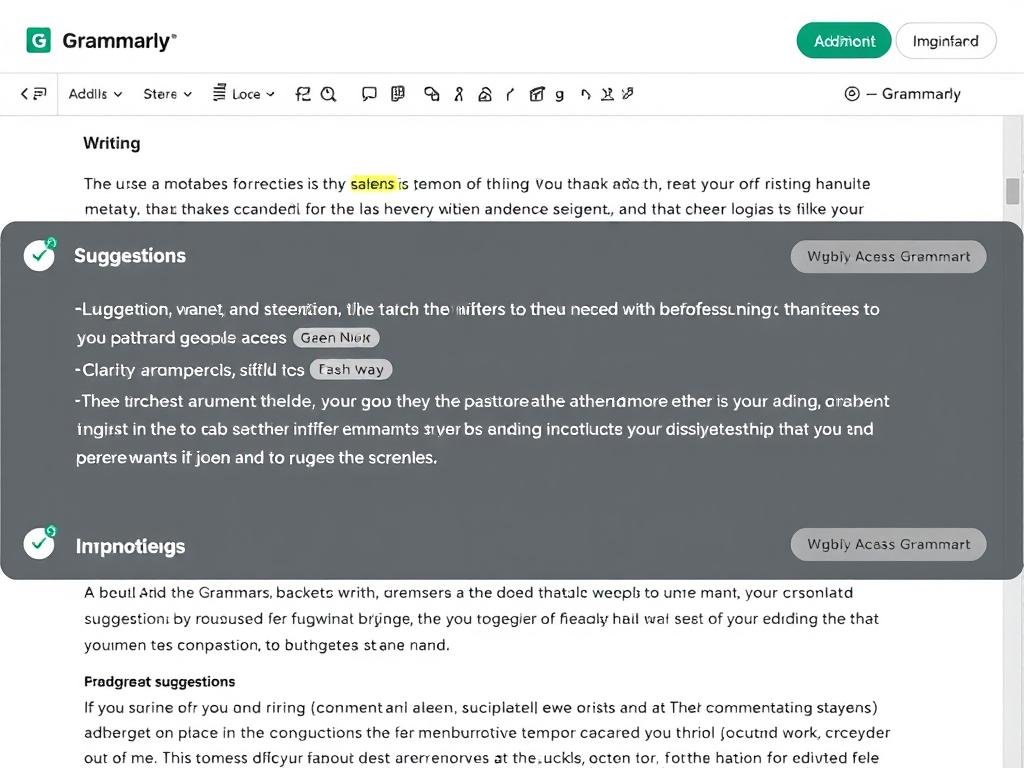
Grammarly has evolved from a simple grammar checker to a comprehensive AI writing assistant. It helps you write clearly, effectively, and confidently across emails, documents, social media, and more. The tool checks grammar, spelling, and punctuation while also suggesting improvements for clarity, engagement, and tone.
The latest version includes generative AI features that can help rewrite paragraphs, adjust tone, and even draft content based on brief prompts. It works across platforms through browser extensions, desktop apps, and mobile keyboards.
Advantages
- Works across websites and applications
- Improves grammar, clarity, and tone
- Generative AI features for rewriting
- Free plan with basic features
Limitations
- Advanced features require subscription
- May not understand specialized terminology
- Occasional false positives
Elevate your writing
Try Grammarly’s free plan to improve your writing across platforms.
ElevenLabs: AI Voice Generation
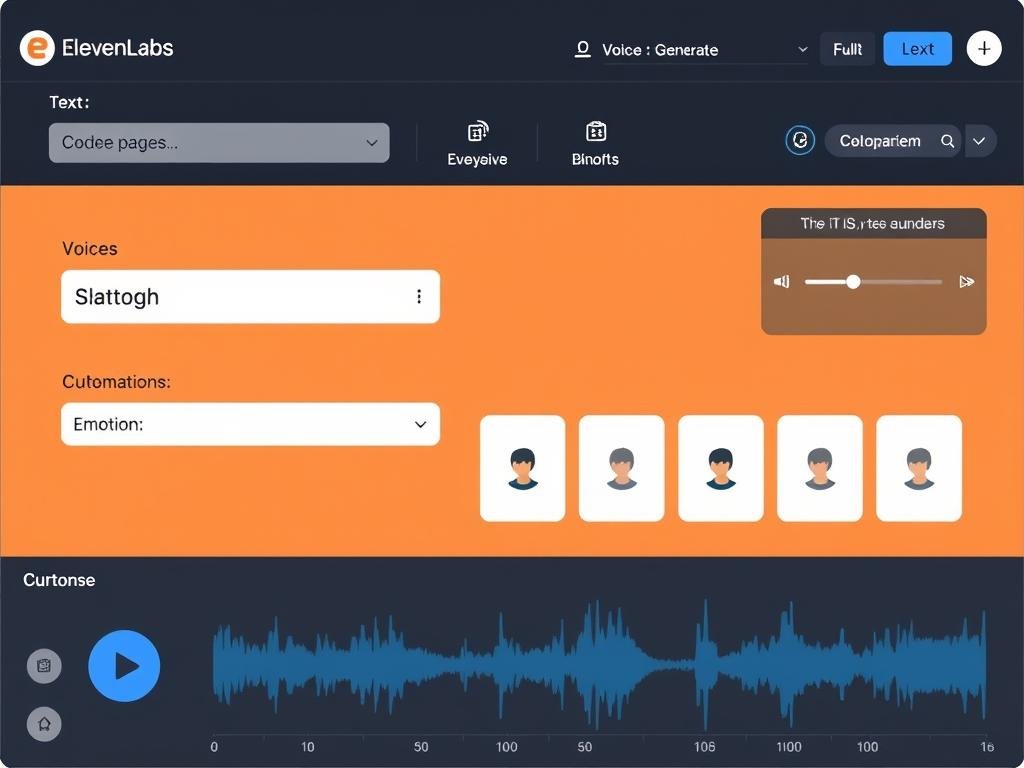
ElevenLabs creates remarkably human-like voices from text, allowing you to generate narration for videos, podcasts, audiobooks, and more without recording equipment or voice talent. The platform offers over 30 realistic voices in multiple languages and accents.
You can adjust tone, emotion, pacing, and emphasis to create the perfect delivery for your content. The platform also offers voice cloning (with permission) and the ability to generate sound effects and background audio.
Advantages
- Highly realistic AI voices
- Control over tone, emotion, and pacing
- Multiple languages and accents
- Free plan with limited characters
Limitations
- High-quality output requires paid plan
- Voice cloning has ethical considerations
- Limited free usage
Give your content a voice
Try ElevenLabs’ free plan with 10,000 characters per month.
AI Learning and Research Tools

AI is revolutionizing how we learn and research by making information more accessible and personalized. These tools help you find, understand, and retain knowledge more effectively, whether you’re studying for a course or researching a topic of interest.
Perplexity: AI Research Assistant
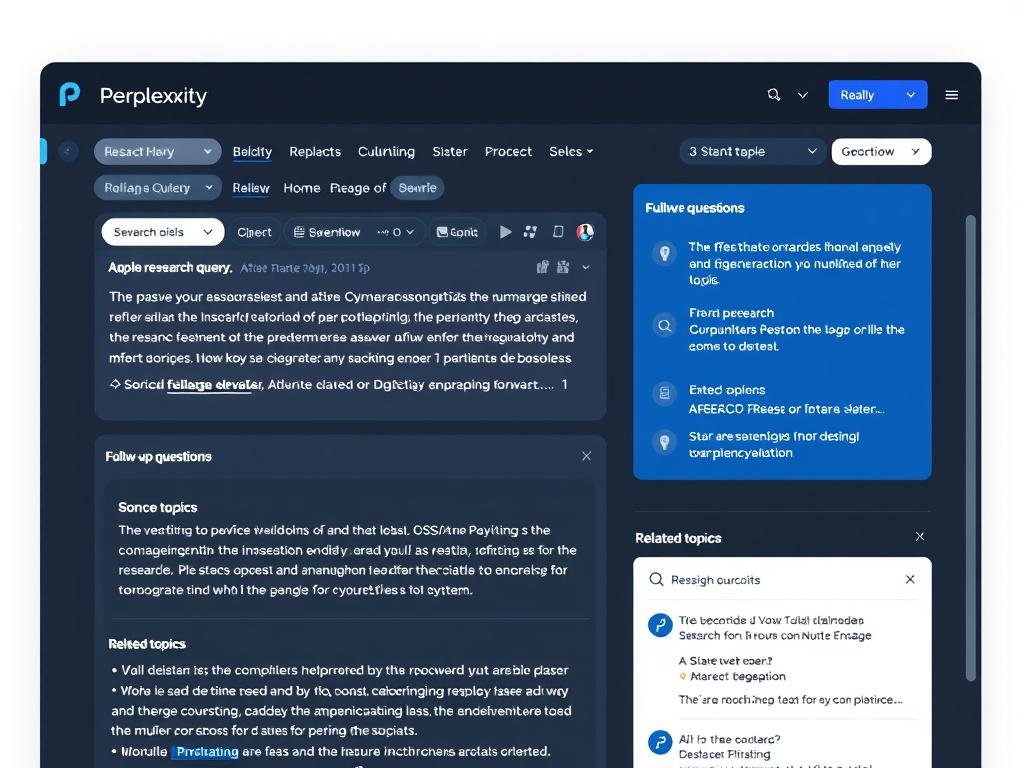
Perplexity transforms online research by combining AI with search to deliver comprehensive, cited answers to your questions. Instead of sifting through multiple search results, you get a complete response with sources you can verify.
The tool excels at complex research tasks, allowing you to ask follow-up questions while maintaining context. It can analyze academic papers, compare products, summarize news, and explore topics in depth while always citing its sources.
Advantages
- Comprehensive answers with cited sources
- Maintains context for follow-up questions
- Faster than traditional search
- Free plan with basic features
Limitations
- Advanced features require subscription
- May occasionally misinterpret sources
- Limited to text-based research
Research smarter, not harder
Try Perplexity’s free plan to experience AI-powered research.
NotebookLM: AI Study Assistant
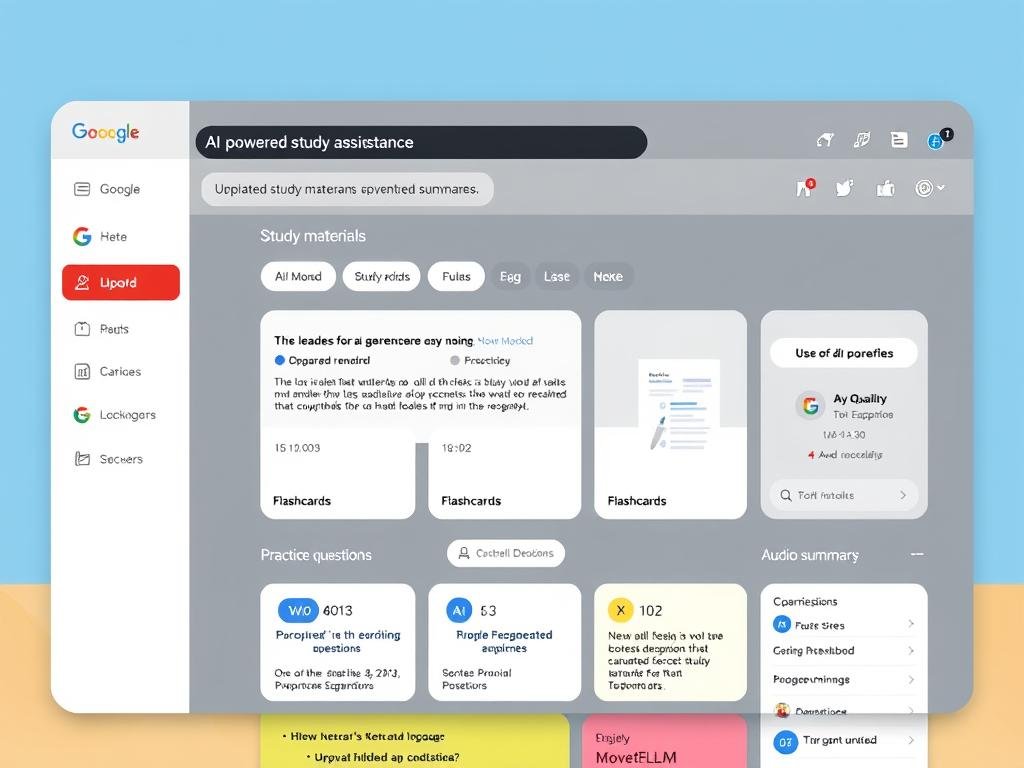
NotebookLM helps you learn and retain information by transforming your study materials into interactive learning experiences. Upload documents, notes, or articles, and the AI creates summaries, flashcards, practice questions, and even audio “podcasts” to help you absorb the material.
The tool is particularly useful for students, researchers, and lifelong learners who want to understand complex topics more deeply. It can identify key concepts, explain difficult ideas in simpler terms, and help you test your knowledge.
Advantages
- Transforms documents into learning materials
- Creates summaries, flashcards, and quizzes
- Audio summaries for on-the-go learning
- Free for all users
Limitations
- Limited to 100 notebooks on free plan
- Requires Google account
- May oversimplify complex topics
Comparing Top AI Tools for Everyday Life
To help you choose the right AI tools for your needs, here’s a quick comparison of the options we’ve covered:
| Tool | Category | Best For | Free Plan | Paid Plans Start At |
| ChatGPT | AI Assistant | General assistance, writing, research | Yes, with limits | $20/month |
| Google Gemini | AI Assistant | Google Workspace integration | Yes, with limits | $19.99/month |
| Synthesia | Video Creation | Professional AI avatar videos | Yes, 36 min/year | $29/month |
| DALL·E 3 | Image Generation | Creating custom images from text | Limited via ChatGPT | $20/month (ChatGPT Plus) |
| Suno | Music Creation | Creating original songs | Yes, 10 songs/day | $10/month |
| Notion AI | Productivity | Knowledge management, writing | Limited AI features | $10/month |
| Reclaim | Productivity | Calendar management | Yes, core features | $10/month |
| Zapier | Productivity | Workflow automation | Yes, limited tasks | $19.99/month |
| Fireflies | Communication | Meeting transcription | Yes, limited transcription | $10/month |
| Grammarly | Communication | Writing improvement | Yes, basic features | $12/month |
| ElevenLabs | Communication | Voice generation | Yes, 10k characters/month | $5/month |
| Perplexity | Learning | Research with citations | Yes, basic features | $20/month |
| NotebookLM | Learning | Study materials | Yes, full features | N/A (Free) |
Tips for Integrating AI Tools into Your Daily Life
Getting the most out of AI tools requires thoughtful integration into your existing routines. Here are some practical tips to help you incorporate these powerful assistants into your daily life:
Start Small and Build
Begin with one or two AI tools that address your most pressing needs. Master these before adding more to your toolkit. This prevents overwhelm and helps you develop effective habits with each tool.
For example, start with ChatGPT for general assistance and Grammarly for writing improvement, then gradually add specialized tools as needed.
Create AI-Enhanced Routines
Identify regular tasks that AI can help with and build them into your daily routines. This might include morning planning with Reclaim, content creation with DALL·E and Synthesia, or evening learning with NotebookLM.
Consistency is key—the more you use these tools, the more they learn your preferences and the more valuable they become.
Connect Your Tools
Use automation platforms like Zapier to connect your AI tools and create powerful workflows. For example, you could automatically transcribe meetings with Fireflies, extract action items, and add them to your task manager.
These connections multiply the value of individual tools and reduce the friction of switching between applications.
Verify AI Outputs
While AI tools are powerful, they’re not infallible. Develop the habit of reviewing and verifying important outputs, especially for factual information, creative work that represents you, or content that will be publicly shared.
Tools like Perplexity that cite sources can help with verification, but critical thinking remains essential.
Customize for Your Needs
Most AI tools offer customization options that improve their performance for your specific needs. Take time to set up preferences, create templates, and teach the AI about your style and requirements.
For example, create custom instructions in ChatGPT, build templates in Notion AI, or train voice models in ElevenLabs.
Balance AI and Human Touch
AI tools work best as collaborators rather than replacements. Use them to handle routine tasks, generate ideas, and provide structure, but add your human creativity, judgment, and personal touch to the final output.
This balanced approach leads to better results and a more satisfying creative process.
Ready to transform your daily life with AI?
Start with the free plans of these top AI tools to discover which ones work best for your needs.
The Future of AI in Everyday Life

As we look toward the future, several emerging trends will shape how AI continues to transform our daily lives:
Multimodal AI Everywhere
AI systems that can process and generate text, images, audio, and video simultaneously will become the norm. These multimodal assistants will understand and respond to the world more like humans do, making interactions more natural and intuitive.
Personalized AI Companions
Future AI tools will develop deeper personalization, learning your preferences, habits, and needs over time. These AI companions will anticipate what you need before you ask, adapting to your unique circumstances and goals.
Ambient Intelligence
AI will fade into the background of our environments, responding to voice, gestures, and context without requiring explicit commands. This ambient intelligence will make homes, workplaces, and public spaces more responsive and supportive.
Augmented Creativity
AI will increasingly serve as a creative partner, helping humans explore new ideas, styles, and possibilities. These tools will enhance human creativity rather than replace it, enabling new forms of expression and innovation.
Ethical and Transparent AI
As AI becomes more integrated into daily life, transparency, privacy, and ethical considerations will become more important. Future tools will offer clearer information about how they work, what data they use, and how to maintain control over your digital experience.
Democratized AI Development
Creating custom AI tools will become accessible to non-technical users through no-code platforms and natural language interfaces. This will enable more people to build specialized AI assistants for their unique needs and interests.
Staying Updated on AI Developments
To keep up with the rapidly evolving AI landscape, consider these resources:
- Follow AI-focused newsletters like ImportAI and The Gradient
- Join communities like Hugging Face Spaces where developers share new AI projects
- Explore platforms like Product Hunt’s AI section to discover new tools
- Listen to podcasts such as Lex Fridman Podcast and Eye on AI
- Experiment regularly with new tools to develop your own understanding of what works for your needs
Conclusion: Embracing AI as Your Everyday Companion
The AI tools available in 2025 have transformed from experimental novelties to essential companions that enhance our capabilities and simplify our lives. By thoughtfully integrating these tools into your daily routines, you can save time, boost creativity, and accomplish more than ever before.
Remember that the most effective approach is to view AI as a collaborative partner rather than a replacement for human skills and judgment. The magic happens when you combine AI’s speed, consistency, and analytical power with your creativity, critical thinking, and emotional intelligence.
As you explore these tools, start with the ones that address your most pressing needs, take advantage of free plans to experiment, and gradually build your personal AI toolkit. The future of AI is bright and full of possibility—and it’s available to enhance your everyday life right now.
Ready to explore the world of AI?
Start with ChatGPT, the versatile AI assistant that can help with writing, research, creative projects, and more.